On-site Widgets
Beyond the Wall of Love, ShowTrust can add three small things to every page of your site: a Leave a testimonial button, a social-proof popup, and a rating badge. They all come from one script tag and are switched on in On-site Widgets in the dashboard.
Install the script#
Copy the tag from On-site Widgets and add it to every page — usually your site's layout or <head>. It loads after your page and never blocks rendering. You only do this once; settings changes apply within five minutes.
It works alongside the Wall of Love embed; you can use either or both.
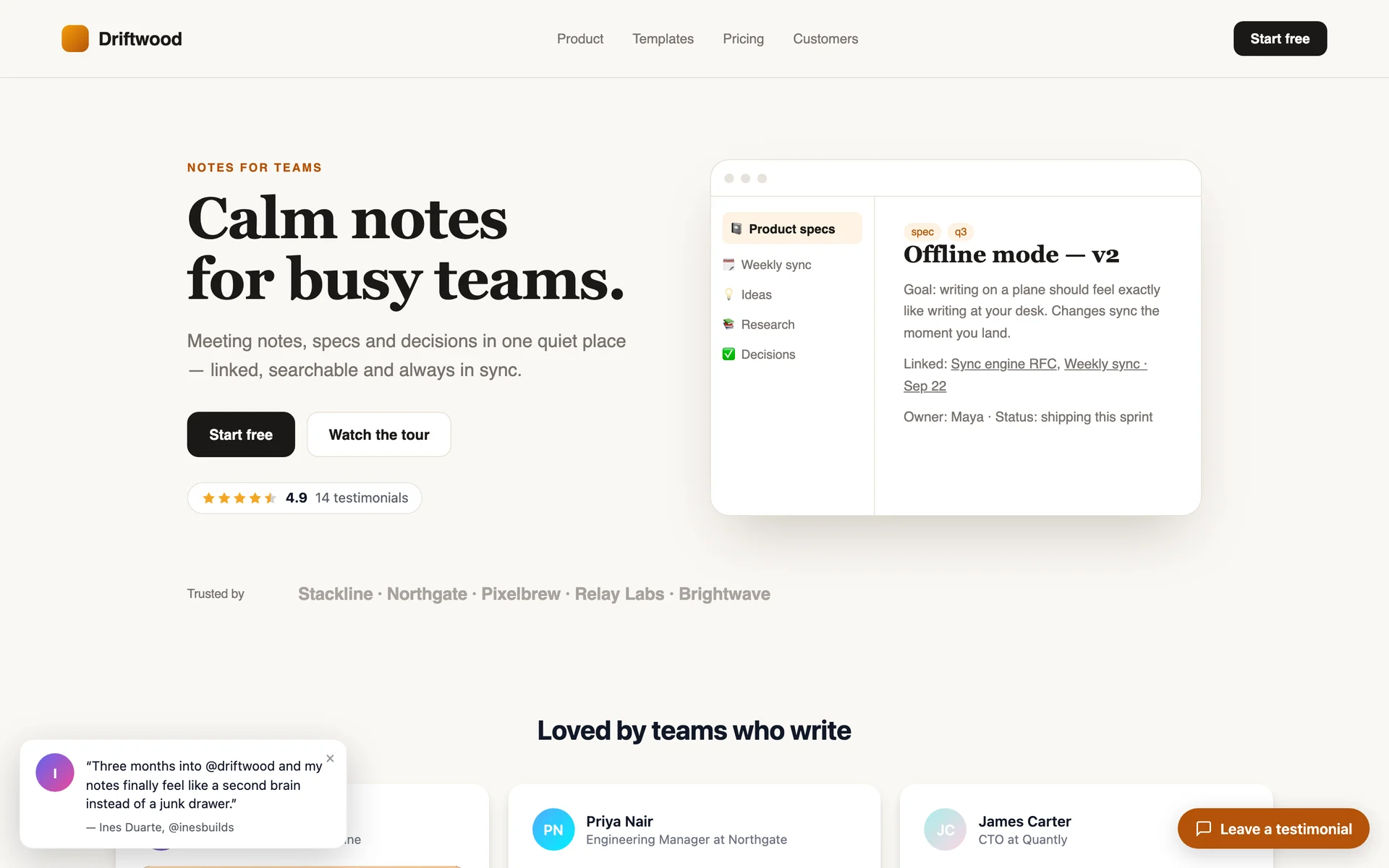
Leave a testimonial button#
Turn on Show floating button to add a button in the corner of your site. It opens your testimonial form in a pop-up, so customers never leave your page — text, video recording, photo upload and your thank-you reward all work inside it. Set the label, corner and colors in the dashboard.
To use your own button or link instead (for example in your footer, or after checkout), add data-showtrust-collect to any element:
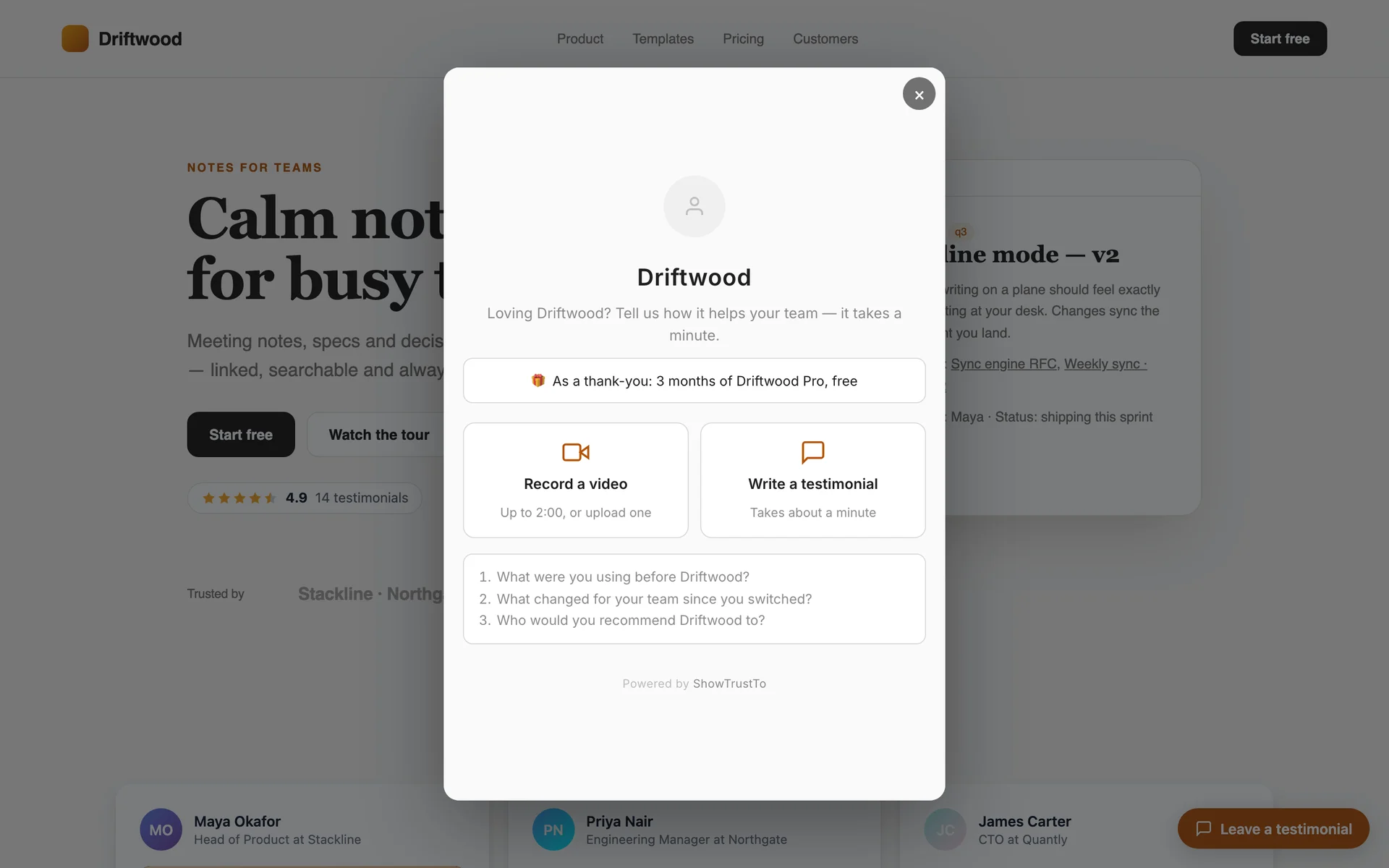
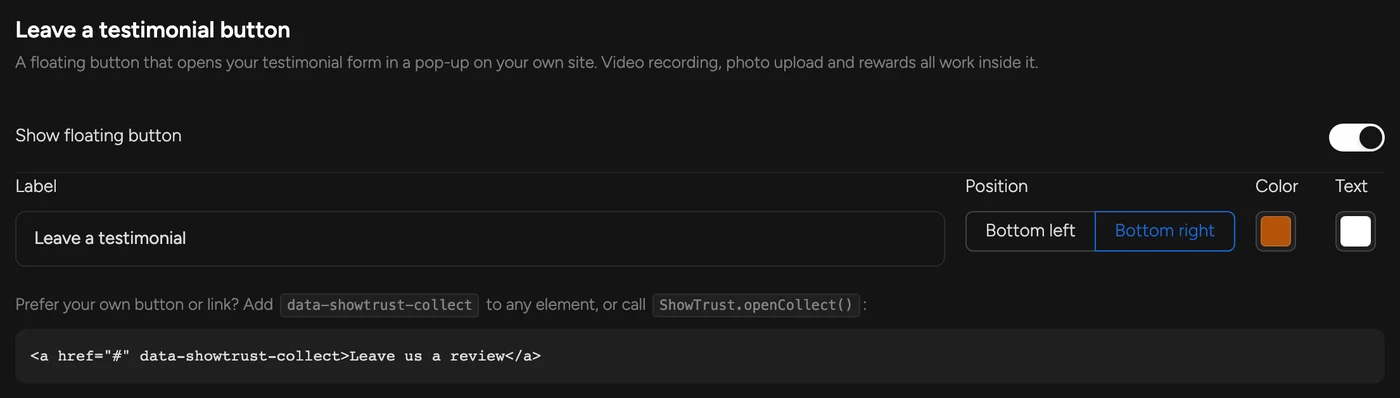
Show floating buttonOr open it from your own code with window.ShowTrust.openCollect().
Social-proof popup#
Turn on Show popup and small cards with your approved testimonials slide in at the bottom corner, one at a time. You choose when the first one appears, how long each stays, the gap between them, how many a visitor sees per visit, and a minimum star rating. Visitors can dismiss them for the rest of their visit, and they pause while hovered. Clicking one opens your hosted Wall of Love. Only testimonials under 280 characters are used, so cards stay short.
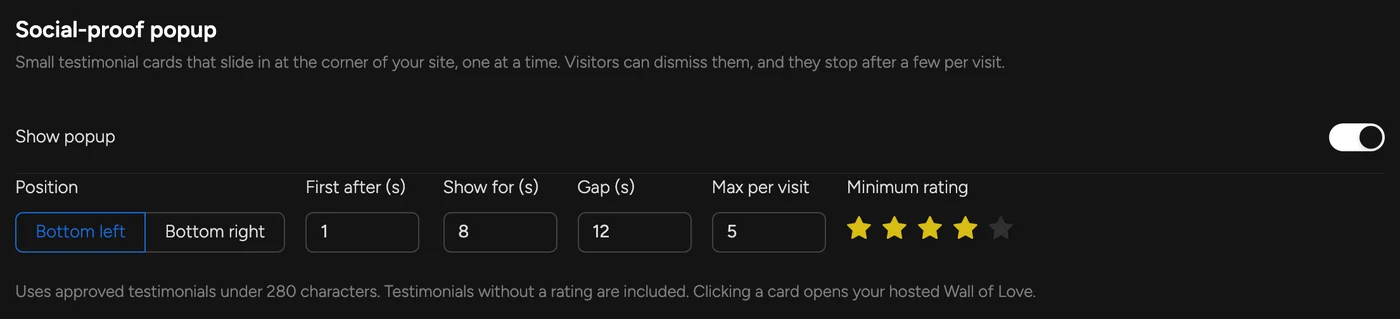
Show popupRating badge#
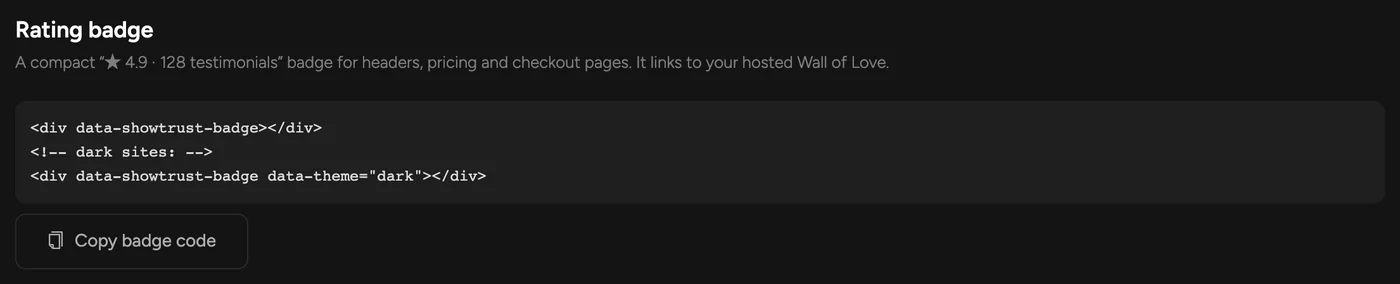
Put this where you want a compact “★ 4.9 · 128 testimonials” badge — next to a pricing table, in a header, or at checkout. It links to your hosted Wall of Love.
Analytics#
Analytics counts popup clicks and how often the form is opened from your site, alongside video plays on your wall.