Account, Billing & API
Open Account Settings from your name at the bottom of the sidebar. It has three tabs: Profile, Billing and API.
Profile#
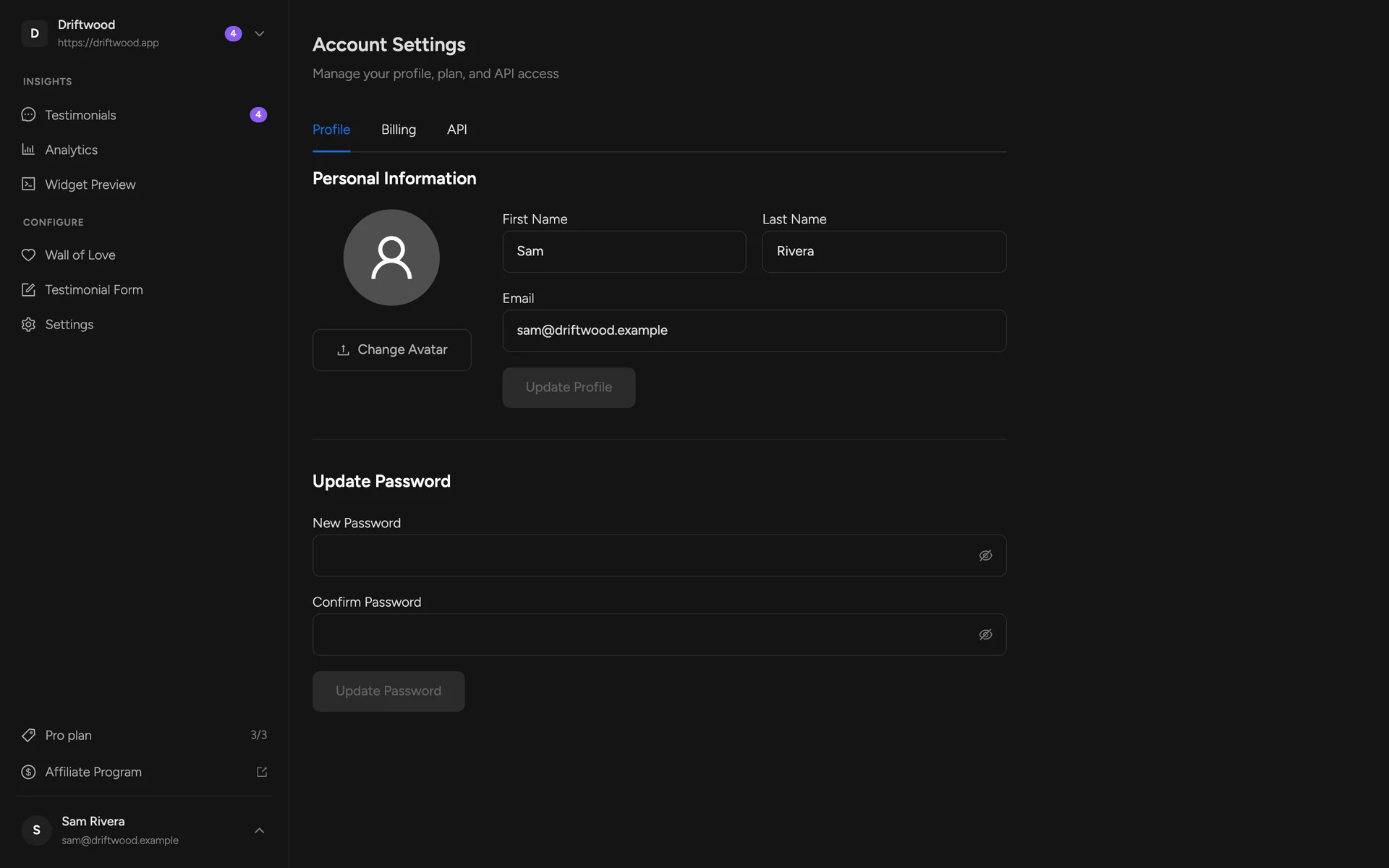
Upload a new avatar — your name and email are just above
Update your password
Plans & billing#
- Free — forever. One project, unlimited testimonials, every layout and style, with a small “Wall of love by ShowTrust” credit you can switch on or off.
- Pro — $4.99/month or $49.99/year per project slot. White-label (no credit), and one more project for each slot.
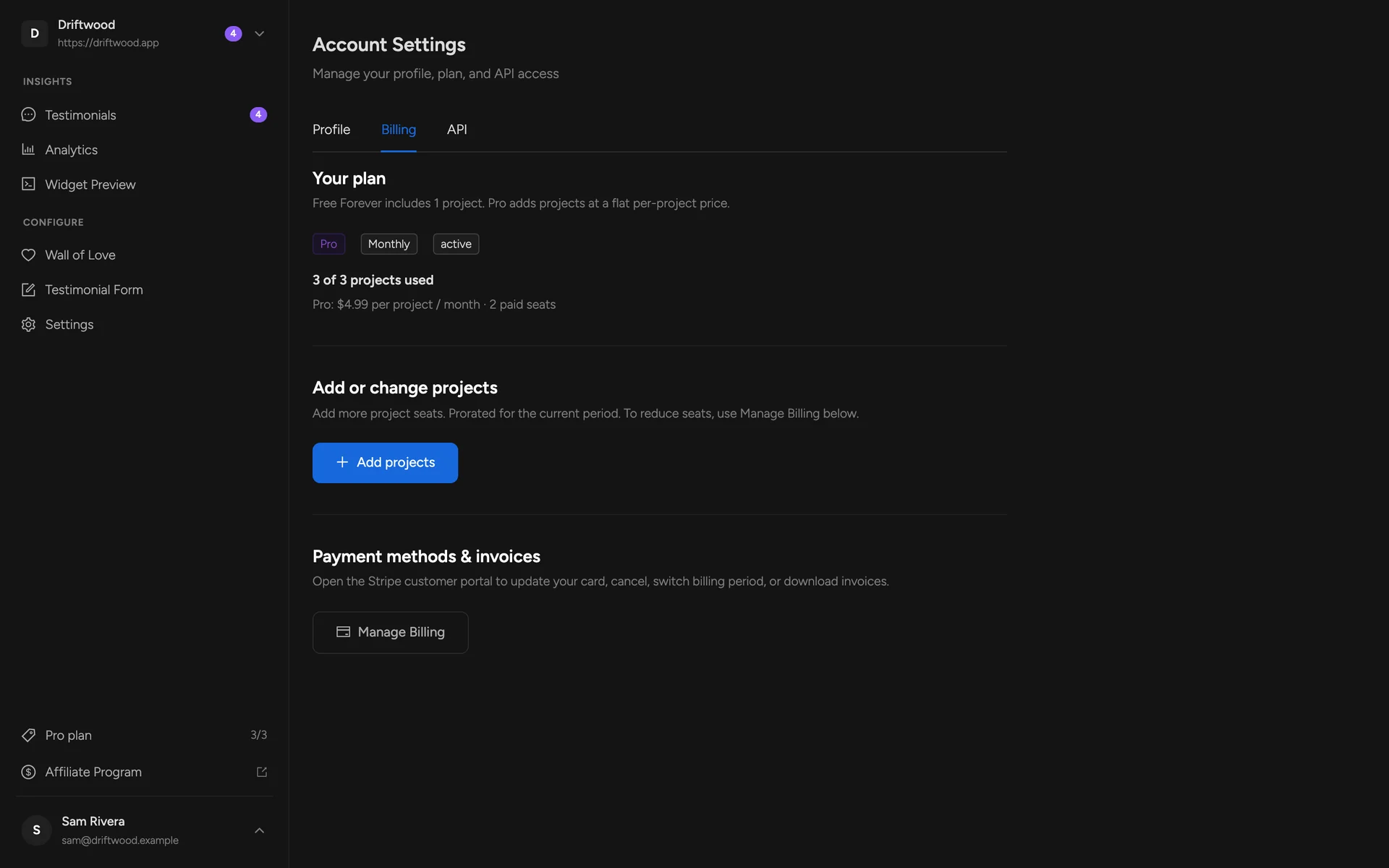
Your plan, billing period and how many project slots you use
Add or change project slots
Manage Billing — payment methods, invoices and cancellation (Stripe)
API keys#
The API tab gives you the two values the REST API needs: your account ID and an API key. AI agents using the ShowTrust skill use the same pair. The key is shown once when you generate it — ShowTrust stores only a fingerprint — so copy it somewhere safe. Regenerate API key issues a new one and revokes the old.
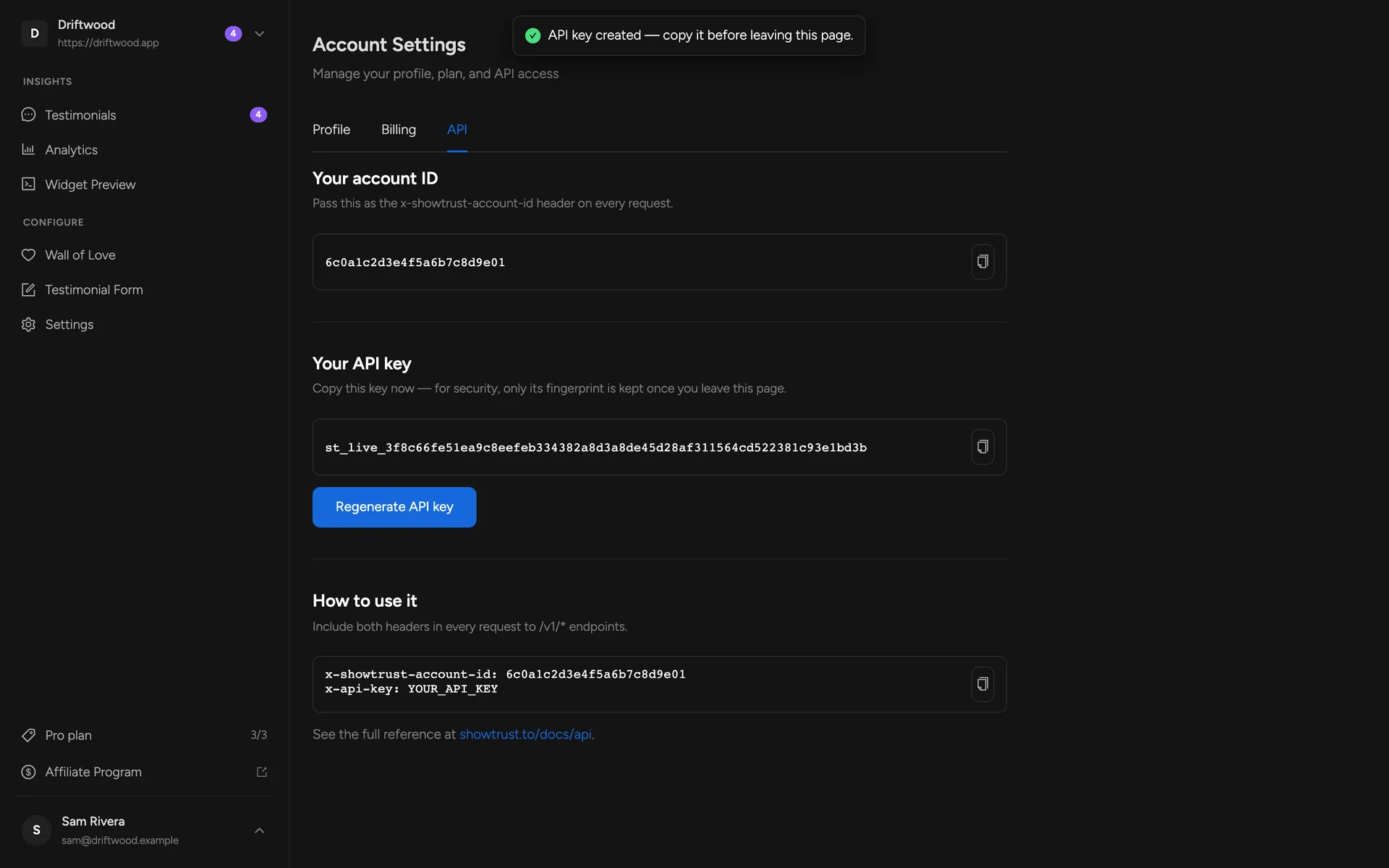
Your account ID
Your API key — generate, copy or regenerate
Send both as headers with every request