Projects
A project is one website or product. Each has its own testimonials, testimonial page (showtrust.to/<slug>), wall of love settings and analytics. Run several products from one account by giving each its own project.
Switch projects#
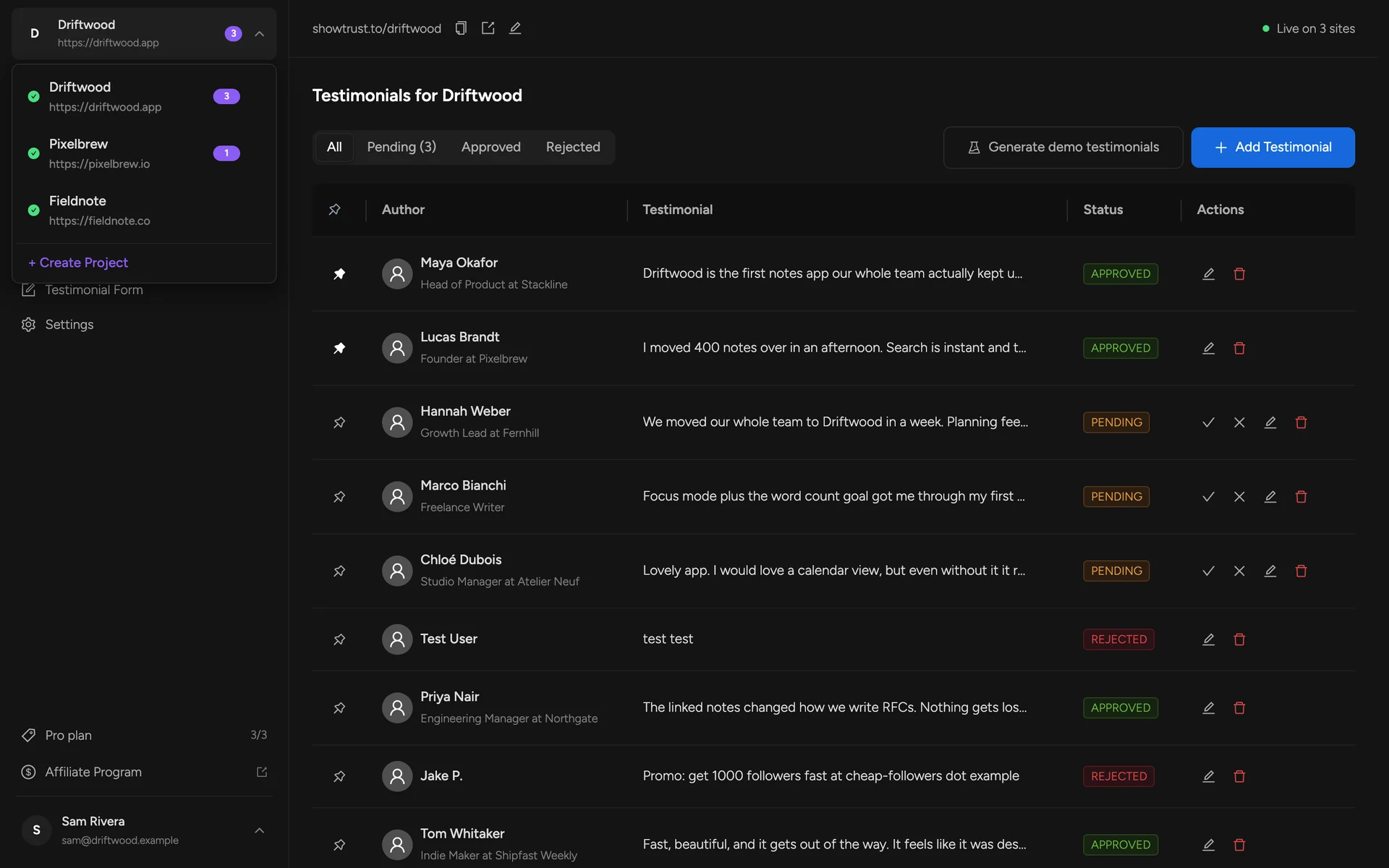
Click the project name at the top of the sidebar. Every section shows the selected project, and the dashboard remembers your choice.
Create a project#
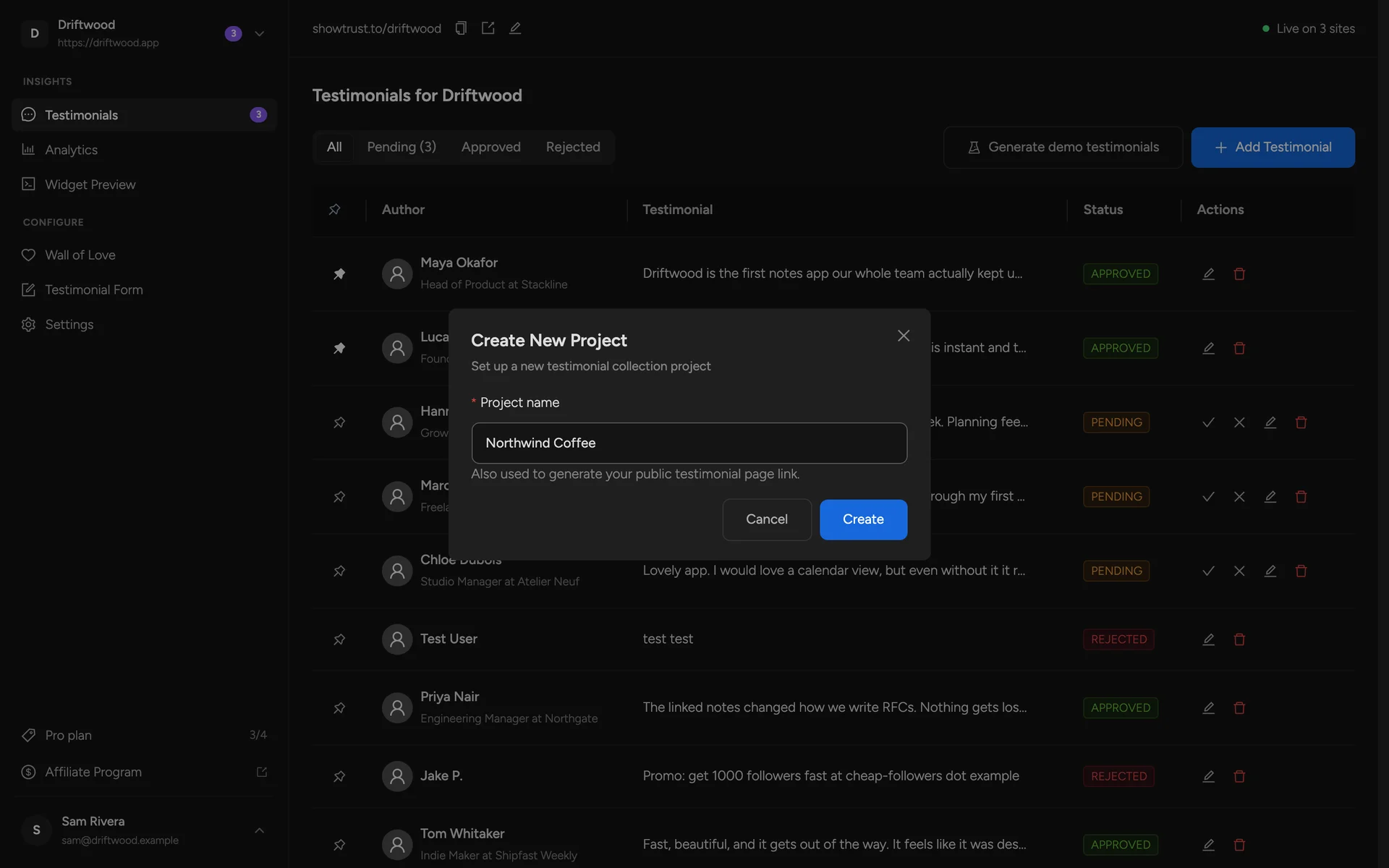
Choose Create Project in the switcher and give it a name. The name becomes its testimonial page address, which you can change later with Edit URL.
How many projects#
The Free plan includes one project with unlimited testimonials. On Pro, each project slot is $4.99/month (or $49.99/year) and removes the ShowTrust credit. If you try to create a project with every slot in use, ShowTrust offers to add one:
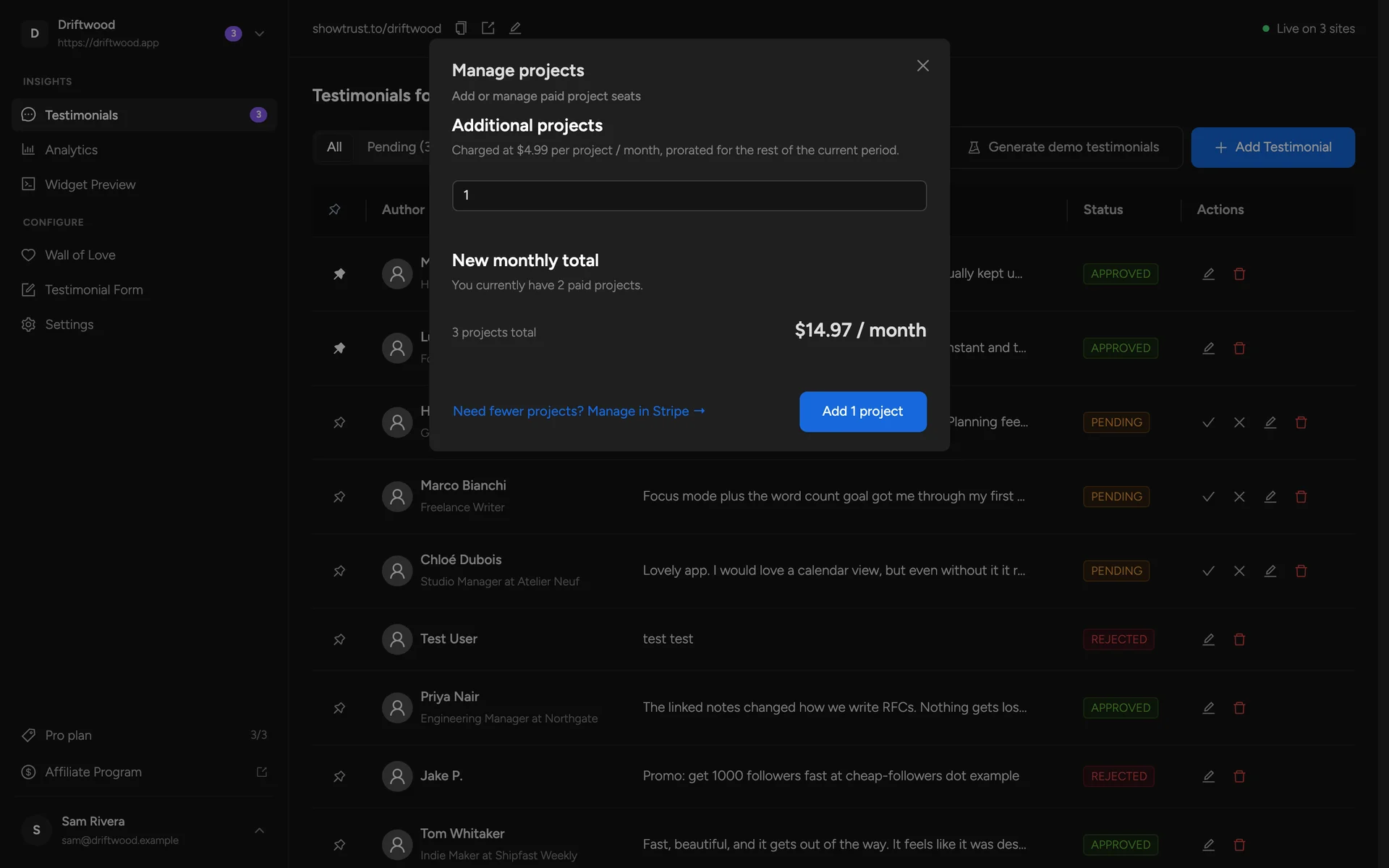
Manage slots any time in Plans & billing.
Delete a project#
Settings in the sidebar holds the Danger Zone. Deleting a project removes it and all of its testimonials permanently — any wall still embedded on a site stops showing. This cannot be undone.
