Getting Started
ShowTrust gives you a hosted collection page for customer testimonials and a small embeddable widget for your website. You can set everything up in five minutes — either by hand, or by letting an AI coding agent do it for you.
Overview#
Every ShowTrust account has one or more projects. A project owns its own collection page, its widget configuration, and the testimonials customers submit. Once you have a project, embed a single <script> tag on your site and the widget renders a “wall of love” using the testimonials you've approved.
What you'll need#
For the agent flow: an AI coding agent (Claude Code, Cursor, Copilot, or similar) and an email address. For the manual flow: a free ShowTrust account and a place on your site to paste a script tag. No API key needed.
Two paths: agent or manual#
If you have an AI agent open in your editor, the fastest path is Agent Quickstart — the agent obtains a key, configures the widget, and edits the right file in your codebase for you. Otherwise, follow the manual walkthrough below.
Manual setup, step by step#
1. Create your account
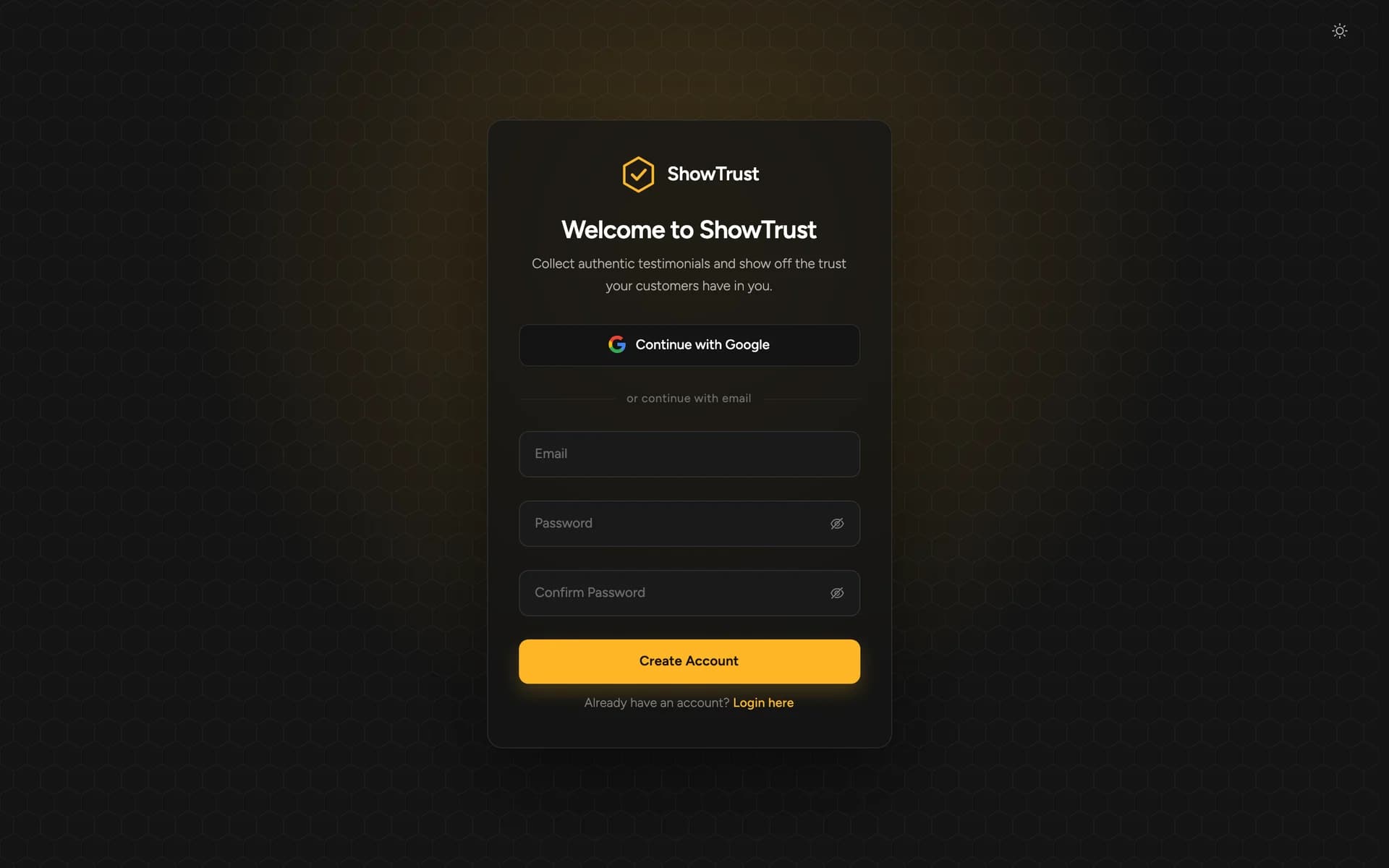
Sign up with Google or email at app.showtrust.to. You get your first project straight away — the Free plan includes one project with unlimited testimonials.
2. Look around the dashboard
Your first project starts with six demo testimonials so the wall isn't empty while you set it up — delete them whenever you like. Your testimonial page link is at the top.
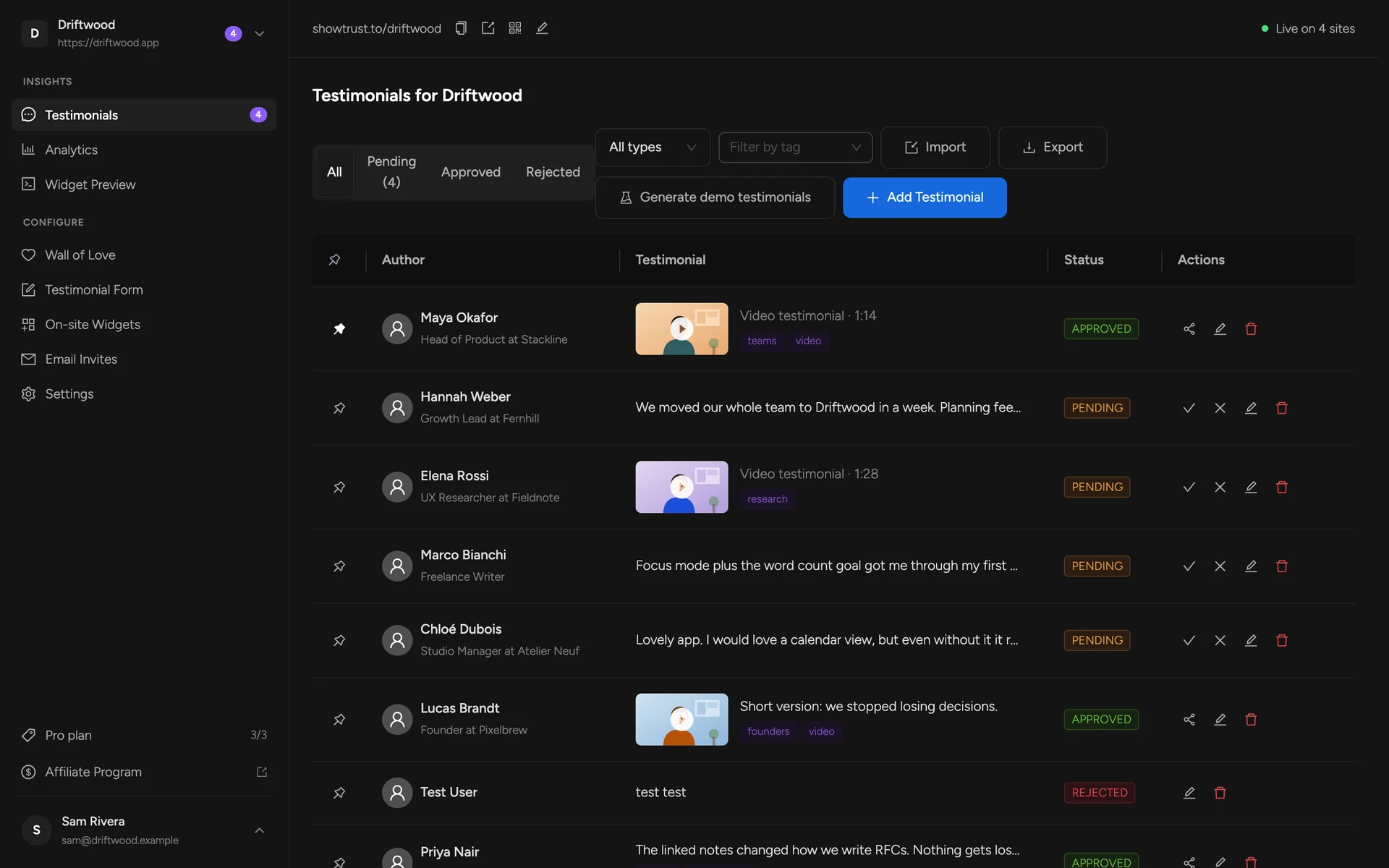
More in Dashboard tour and Managing testimonials.
3. Collect testimonials
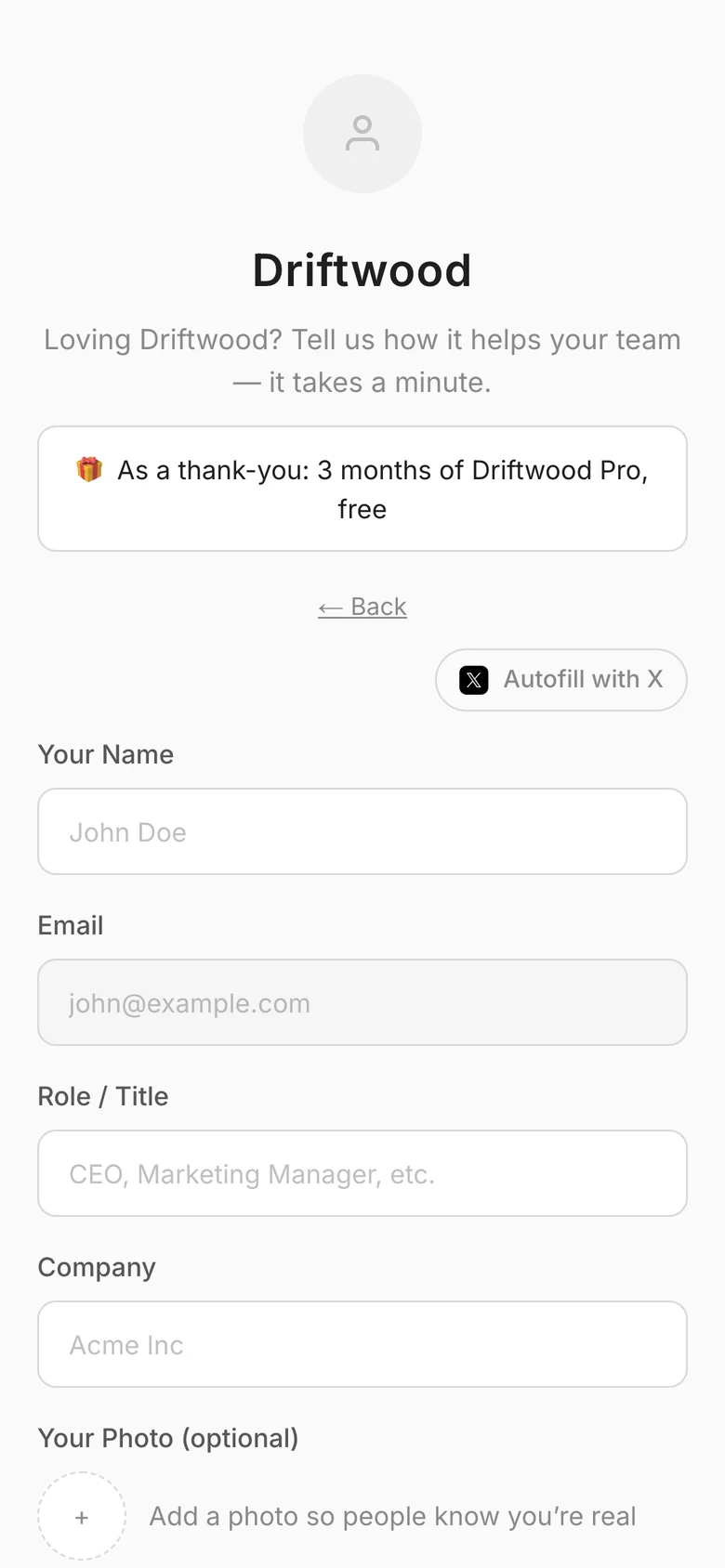
Send customers your testimonial page. They write a few words, add a rating and submit; it lands in Pending for you to approve. Customise the page's headline, fields and colours in Testimonial Page.
4. Design your wall of love
In Wall of Love, pick a layout, card style, palette and size. The preview updates as you go. Every option is described in Wall of Love Settings.
5. Paste two snippets on your site
Copy the embed script and the container from the bottom of the Wall of Love editor and paste them into your page. That's the only code you ever add — later changes in the dashboard appear on your site automatically.
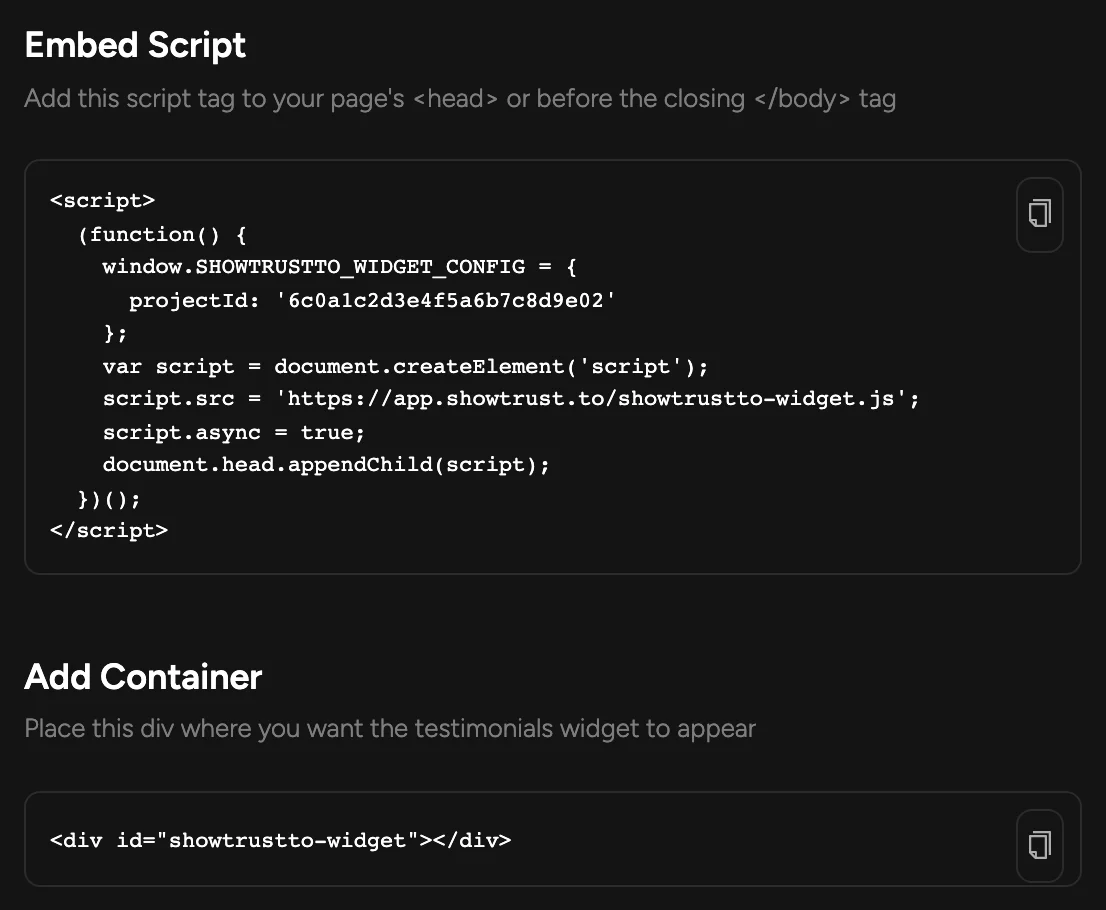
Using a framework? Follow the guide for Next.js, Vite + React, Astro or plain HTML.
6. You're live
Approved testimonials appear on your site, pinned ones first. Track impressions and clicks in Analytics.