A REST API for projects, testimonials and your wall
Create projects, add and list testimonials, configure your wall and fetch the embed snippet — programmatically, with an API key.
When you want more than the dashboard, ShowTrust exposes a REST API. Get your account ID and API key from Account Settings and you can create projects, add and list testimonials, change your wall's settings and fetch the embed snippet.
It's the same API the ShowTrust agent skill uses, so anything an AI agent can set up for you, your own scripts can too.
The problem
A dashboard-only tool can't fit into your own workflows. Teams that want to script setup, import testimonials from elsewhere or build custom displays hit a wall when the only interface is a UI.
How it works
Get your API key
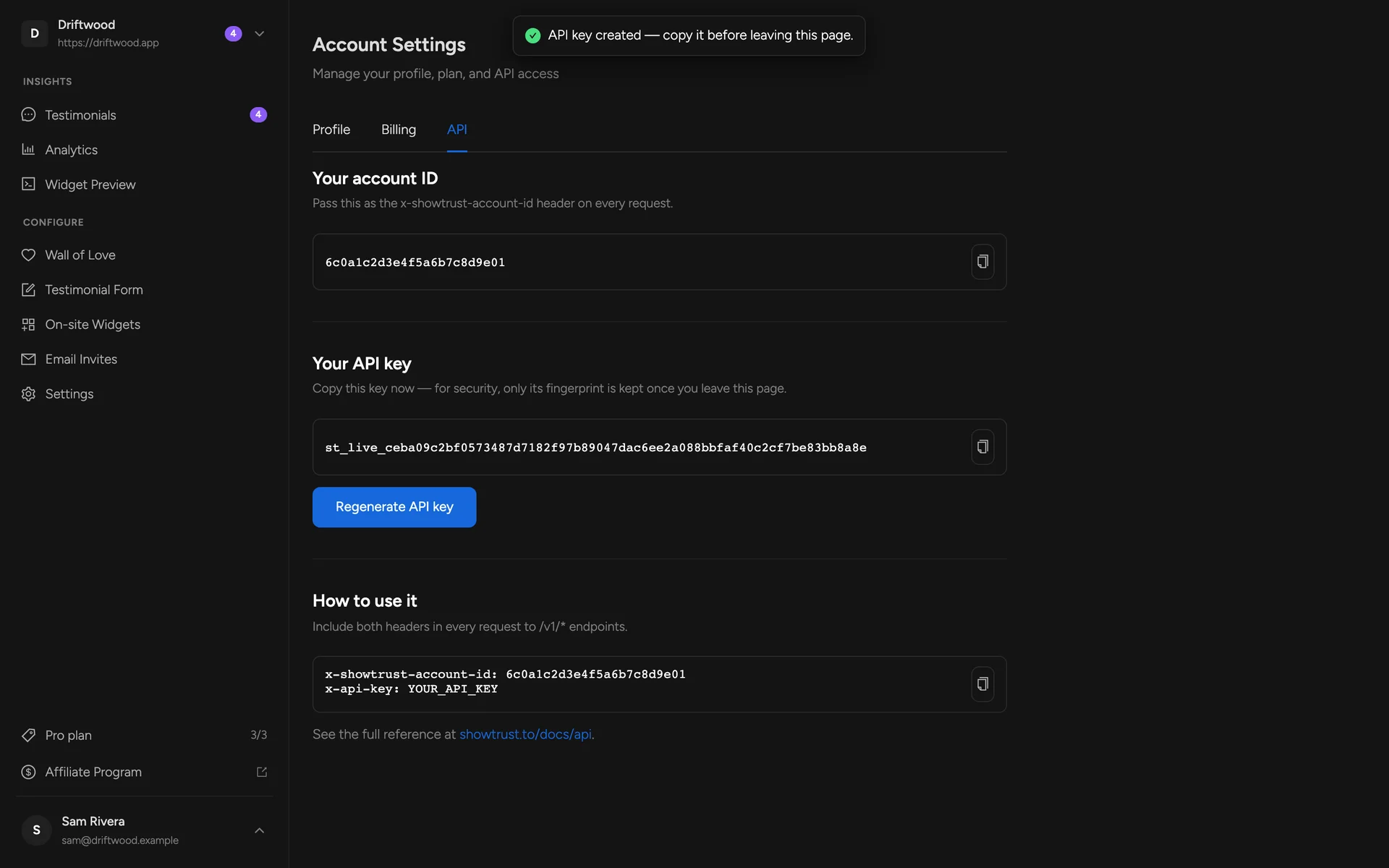
Open Account Settings → API to see your account ID and generate an API key.
Call the API
Send both as headers. Create projects, add testimonials, list what you've collected.
Configure your wall
Update layout, theme and style settings and fetch the embed snippet — no dashboard needed.
What you get
Create projects and fetch their embed snippet
Add testimonials and list them with pagination
Read and update wall settings
One API key per account, managed in Account Settings
FAQs
Where do I get an API key?
In the dashboard, open Account Settings → API. See the API reference for every endpoint with examples.
Can an AI agent use the API for me?
Yes — the ShowTrust skill uses the same API, and can sign you up and get a key through the agent quickstart.
Related concepts
Related features
Run testimonials for every product from one account
Create a project per product or client, each with its own collection page, wall, and settings — built for agencies and multi-product founders.
Works with Next, Astro, Vite, and plain HTML
Copy-paste integration guides for Next.js (App Router & Pages), Astro, Vite + React, and plain HTML.
Install with an AI coding agent
Hand the install to your AI agent — the ShowTrust skill places the snippet for your framework and you're live in seconds.
Add a Wall of Love in minutes
Collect text and video testimonials, curate the best, and embed them anywhere with one line. Free to start — no card required.